Award Winning Digital Marketing Agency
Google Ads.
branding.
helping brands grow.
Google.
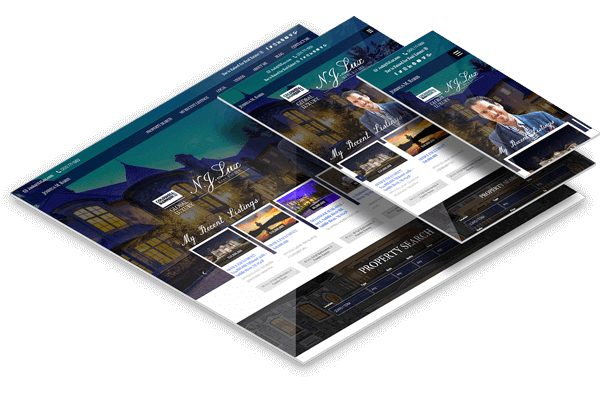
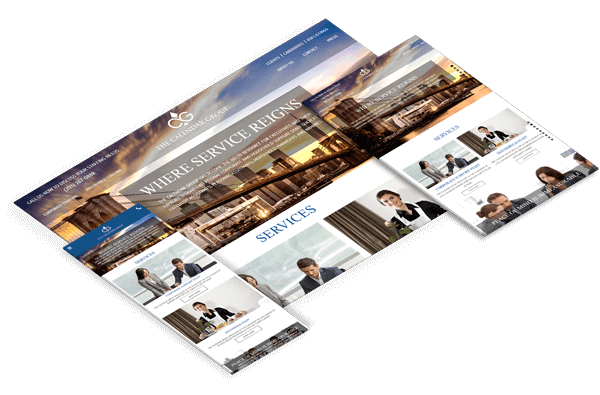
designing beautiful websites.
our clients success.
innovation.
digital marketing.
SEO.
Facebook Advertising.
conversion rate optimization.
custom development.
content creation.
fostering creativity.
thought leadership.
learning new technologies.
challenging our clients.
a great cup of coffee.
writing clean code.


Results-driven Marketing
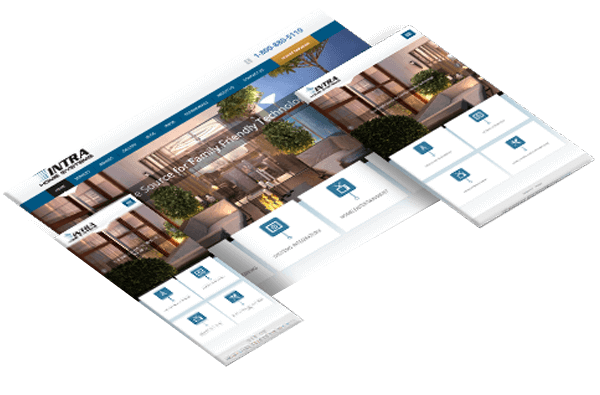
Web Design
Create a brand and communicate your value.
SEO
Find new clients organically and grow a foundation for tomorrow.
PPC
Put your business in front of the right people today.
Email & SMS
Get more out of your current website visitors.
Social Media
Increase awareness by engaging with your audience.
Our Story
SmartSites was founded by brothers Alex and Michael Melen, who grew up with a passion for all things digital. With an innovative vision and a lot of hard work, SmartSites quickly became one of America’s fastest growing companies.
Read MoreOur relentless focus on our clients has led us to over 100 5-star reviews since our inception in 2011. When Dun & Bradstreet asked “How satisfied do you feel about the quality of service?”, we scored a phenomenal 97%. We keep our clients happy by delivering results that exceed their expectations.
Our headquarters are located in Paramus, New Jersey, serving numerous clients worldwide. Come join our growing SmartSites family!





Remarkable Results




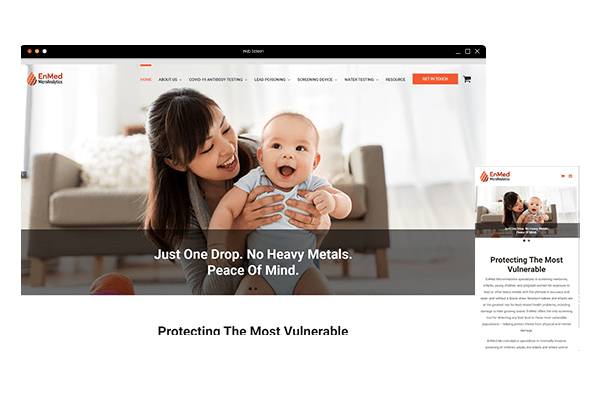

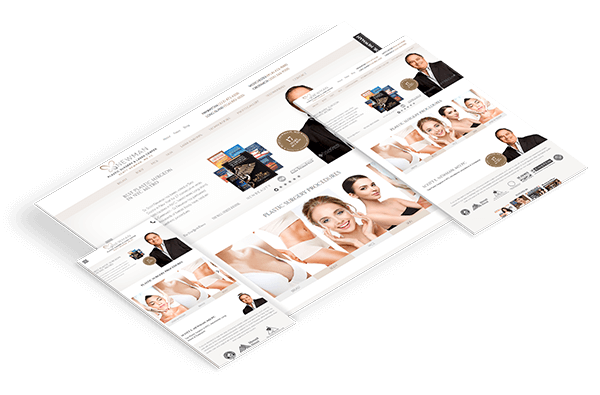
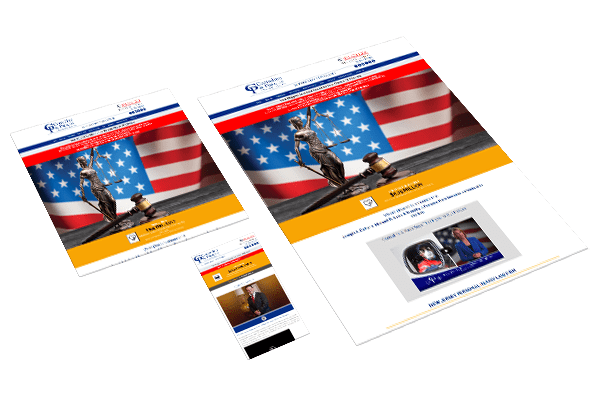









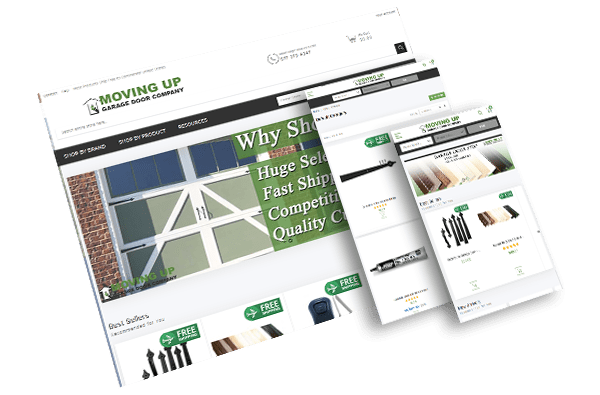

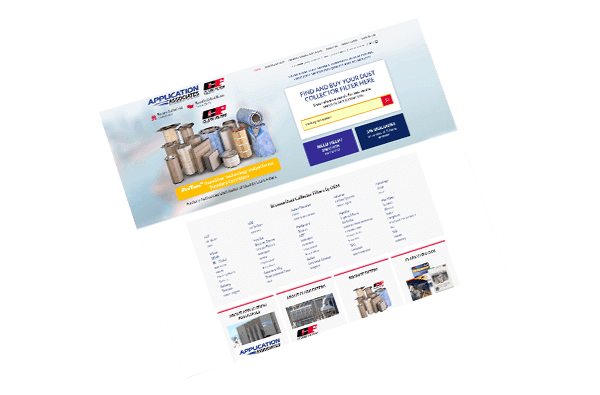

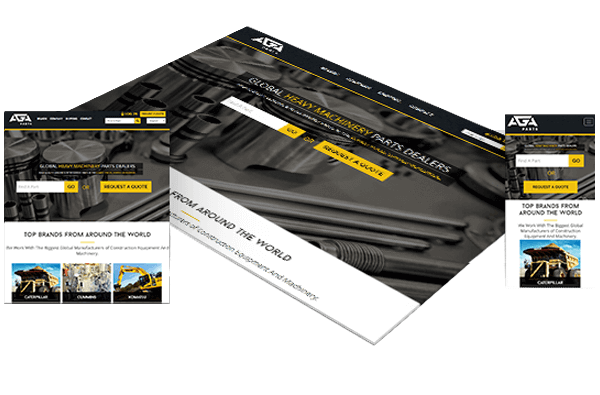

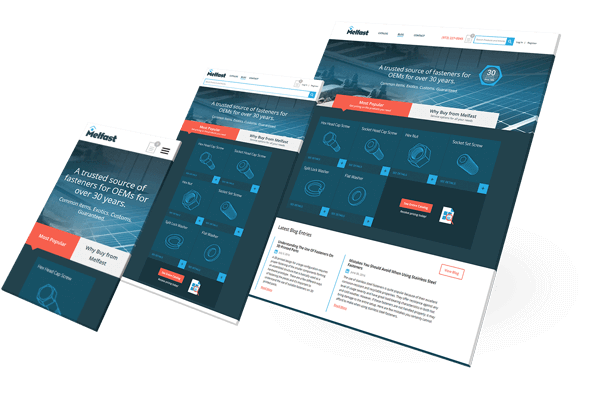



The team you need to succeed
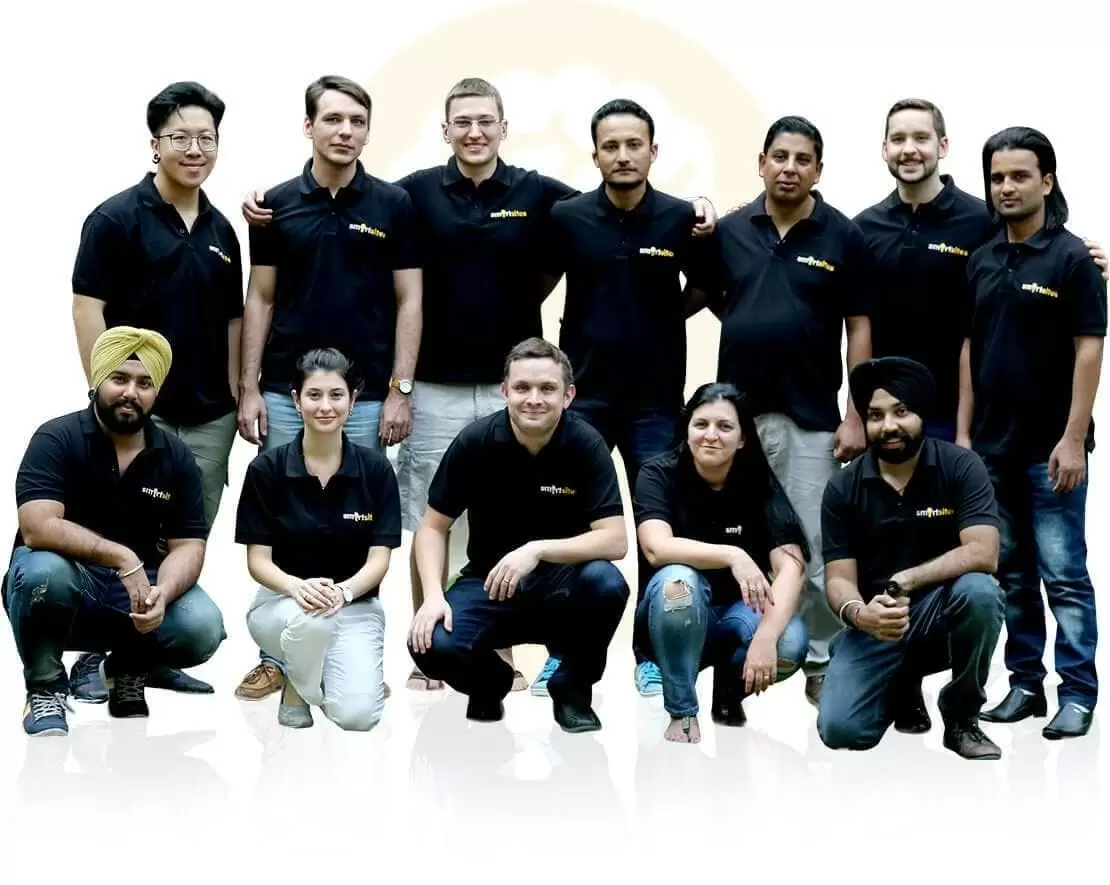
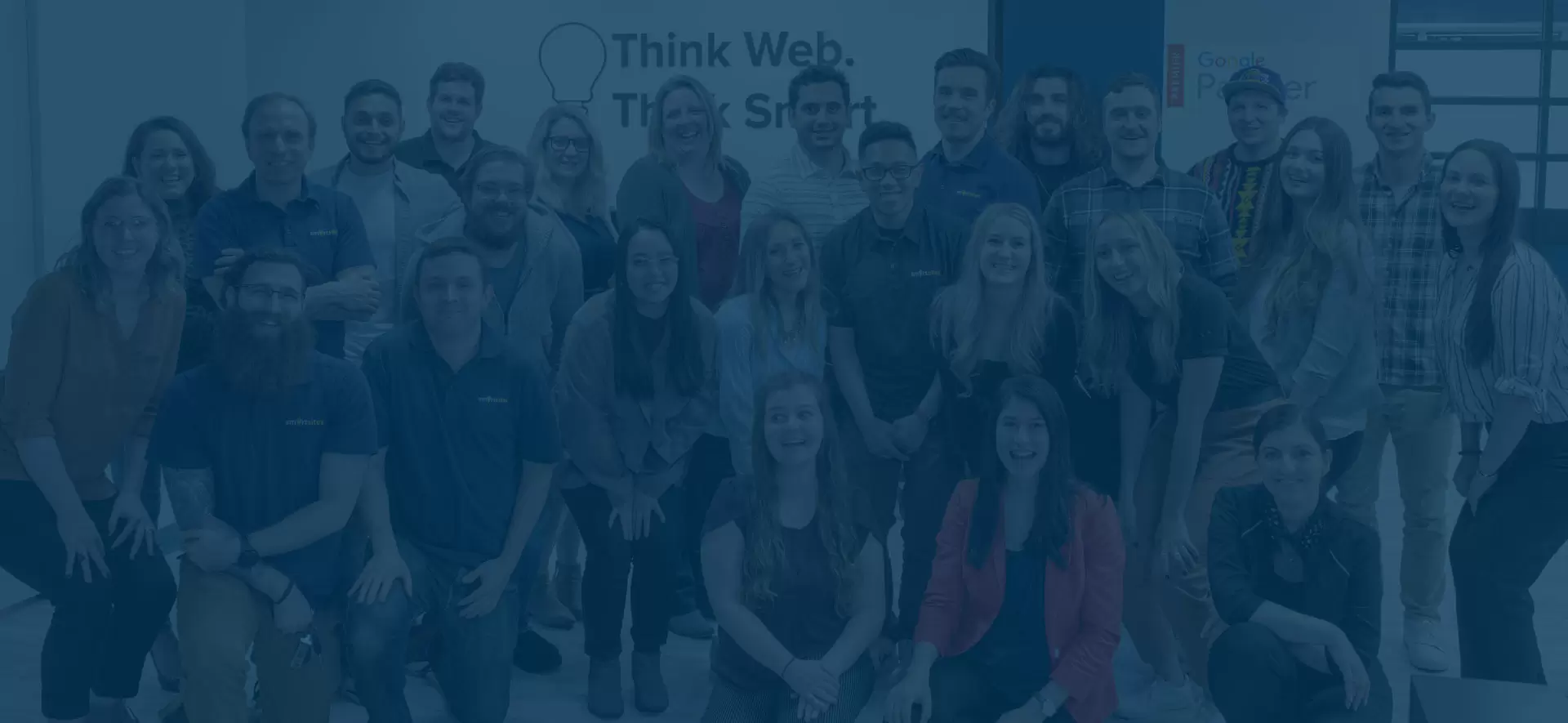
Fueled by passion and a commitment to our clients, our team of over 100 digital experts drives performance for small businesses and Fortune 500 companies alike.
Discover SmartSites